

LCMD: More Than Just NAS
When it comes to NAS, most people instantly associate it with a simple storage device — ideal for photo backups, movie storage and file sharing. Yet LCMD aims to deliver far more capabilities.
In the cloud computing era, both individual users and small teams demand robust computing power, flexible development environments and a diverse application ecosystem. This is exactly why LCMD was built.
Beyond basic data storage, it supports virtual machine operation, app deployment and development environment setup, functioning just like a professional cloud server. Spanning underlying virtualization infrastructure, mid-tier platform services and upper-layer software applications, LCMD has forged a comprehensive private cloud ecosystem.
1. Cloud Computing Three-tier Architecture: IaaS, PaaS, SaaS
Cloud computing core architecture consists of three tiers. IaaS (Infrastructure as a Service) delivers virtualized computing, storage and network resources. Built on IaaS, PaaS (Platform as a Service) offers application running platforms and development tools, while SaaS (Software as a Service) provides ready-to-use application software.
To put it in a simple analogy: IaaS equals renting land and construction materials, where you need to finish building, renovating and furnishing everything on your own. PaaS is similar to renting a rough apartment, leaving only decoration and furniture arrangement for you. SaaS is just like booking a fully serviced hotel room that you can move into straight away.
Based on this classic three-tier architecture, LCMD has developed a full private cloud computing platform. We will further elaborate on its technical implementation across IaaS, PaaS and SaaS layers in the following part.
1.1 LCMD' IaaS Implementation: Virtualization Infrastructure
The Core Technology of the IaaS Layer
Let's start from the foundational layer. IaaS provides virtualized computing infrastructure — virtual machine instances, block storage, object storage, virtual private networks (VPCs), and load balancers. What does this mean? It means you have complete control over the infrastructure, but you also need to assume corresponding management responsibilities: installing and configuring the operating system, middleware, and applications; maintaining system updates, security patches, and network policies. This is the standard model adopted by mainstream services such as AWS EC2, Alibaba Cloud ECS and Azure Virtual Machines.
LCMD Virtual Machine Capabilities
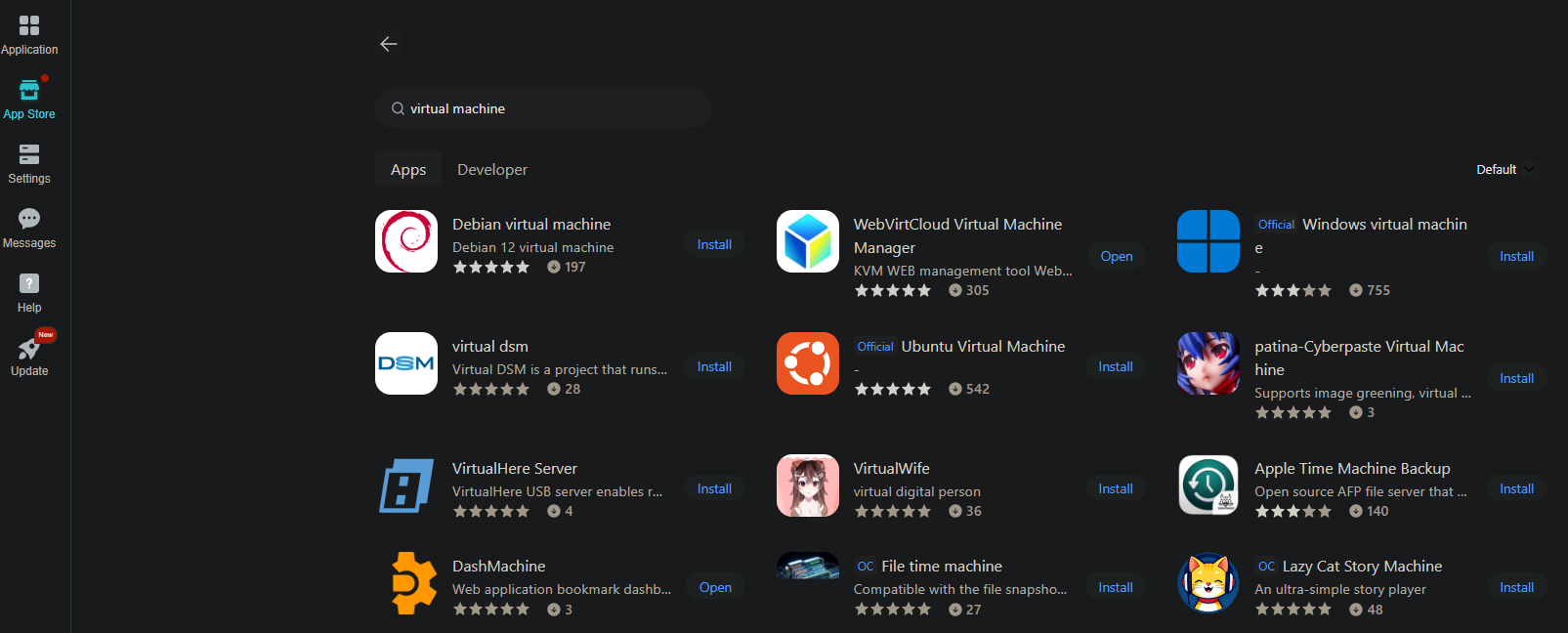
What solutions does LCMD offer at the IaaS layer? We have integrated the WebVirtCloud virtualization management platform, enabling effortless creation and administration of virtual machines running diverse operating systems.
Need Windows for daily office tasks? Fully supported. Prefer mainstream Linux distributions including Ubuntu, Debian, CentOS and Arch Linux for server deployment? Absolutely feasible. Are you in need of a macOS development environment, or even platforms for Android app testing? All functions are seamlessly available.
More importantly, we've included a large number of pre-configured system images in the store. You don't need to search for ISO files or configure them manually. Just like installing a mobile app, you click to install, and the virtual machine starts running. This is truly out-of-the-box functionality.
Interestingly, community developers also uploaded a virtual machine image of Synology DSM. Yes, you can run a Synology system within a LCMD — a NAS nested within a NAS — allowing you to compare and test the features of different NAS systems.
Virtualization Technology Architecture
When discussing virtualization, we need to understand two fundamentally different architectures.
Type 1 Hypervisor (Bare Metal Virtualization) runs directly on the physical hardware, with the hypervisor controlling hardware resources. This is the optimal solution in terms of performance, resource utilization, and security isolation, and is the standard choice for enterprise data centers and cloud service providers. VMware ESXi, Xen, KVM, and Microsoft Hyper-V Server all belong to this category.
Type 2 Hypervisor (Hosted Virtualization) runs on top of the host operating system, existing as an application layer. Its advantages lie in its simple installation and configuration, and ease of use. While its performance falls slightly behind Type 1, usability and flexibility take priority for personal use and development testing scenarios. Typical examples include VMware Workstation, Oracle VirtualBox and Parallels Desktop.
LCMD employs Type 2 architecture. We further optimized performance via a lightweight Linux kernel, minimizing virtualization overhead and narrowing the performance gap with Type 1.
It enables powerful virtualization while eliminating cumbersome bare-metal configuration, making it an ideal solution for personal and small-team usage.
Containerization Technology Implementation
Virtual machines are powerful, but sometimes you need a more lightweight solution. This is where containers come in.
LCMD is built on the Docker container engine, employing a three-tier container management architecture. Let's take a look at each layer:
The system-level Docker (Container Runtime) runs the core system components and basic services of LCMD. This layer is transparent to you, automatically managed by the system, and employs resource isolation and security sandbox mechanisms to ensure the stability of core services is unaffected by any user operations.
Playground Docker (Development and Testing Environment) is your testing ground. It supports both lzc-docker and Dockge management tools, allowing you to quickly create and destroy container instances. Want to test a new version of the database? Want to experience the latest open-source projects? Feel free to experiment in Playground, completely isolated from the production environment, ensuring no impact on system stability.
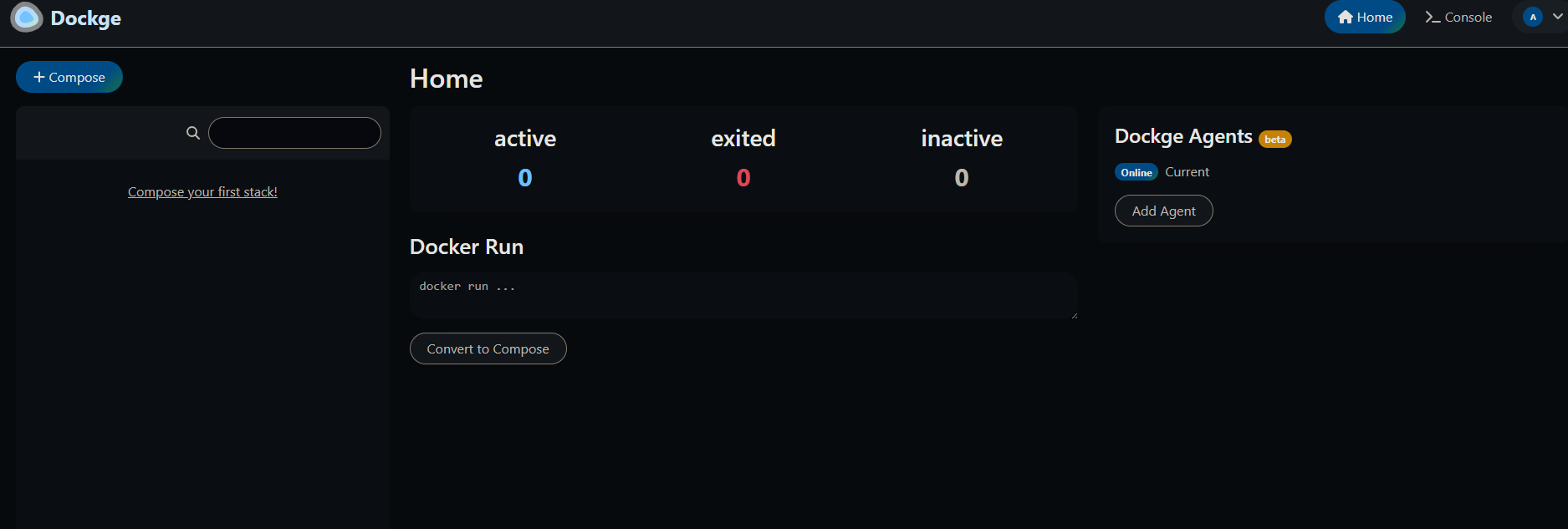
The Docker (Container Store) features applications that have undergone rigorous review by our engineers, supporting version updates and one-click deployment. It covers almost every middleware and application you can imagine: database services (MySQL, PostgreSQL, MongoDB, Redis, Milvus vector database), search engines (Elasticsearch, Meilisearch), web servers (Nginx, Apache, Caddy), database management tools (Adminer, phpMyAdmin, MongoDB Compass), AI large language model platforms (Ollama, Ollam WebUI), and workflow automation (n8n, Dify).
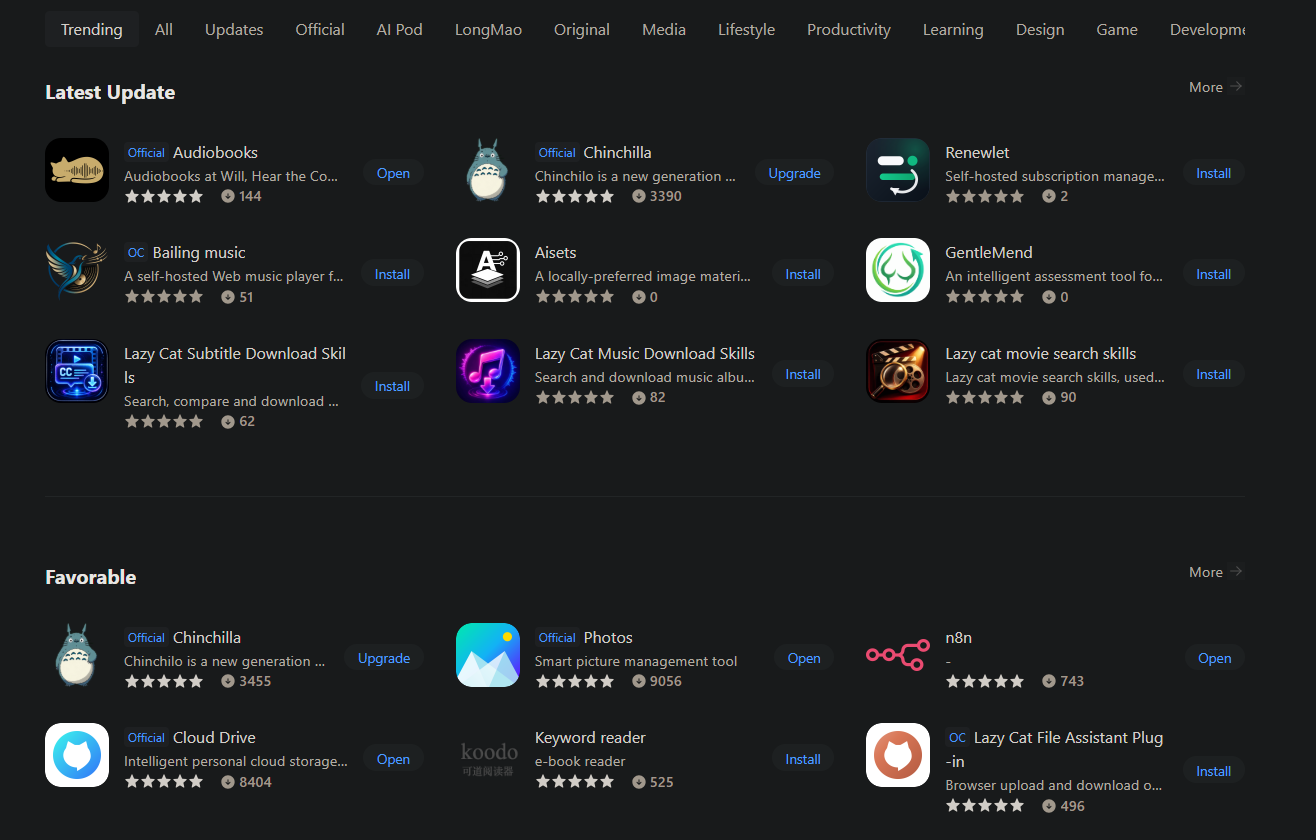
Virtual machines and containers offer heavyweight isolation and lightweight deployment; LCMD provides a complete technology stack. Virtual machines are suitable for running complex applications and multi-tenant scenarios, while containers are suitable for LCMD architectures and rapid iteration. The choice is yours.
Technology Application Scenarios: Independent developers can use LCMD to build a Kubernetes cluster learning environment. Traditional solutions require purchasing multiple cloud servers (costing hundreds of yuan per month), while on LCMD, only 3-5 Linux virtual machines need to be created, and a Kubernetes control plane and worker nodes need to be deployed. This allows for container orchestration learning and experimentation in a local environment with zero cloud service costs. For developers who need a macOS development environment but lack Mac hardware, application development and testing can also be performed through virtualized macOS systems.
1.2 LCMD' PaaS Implementation: Platform Service Layer
Technical Positioning of the PaaS Layer
PaaS provides a higher level of abstraction above IaaS, encapsulating the platform environment and development tools required for application execution. At the PaaS layer, users don't need to worry about low-level details such as operating system patches, runtime environment configuration, and load balancing strategies; they can focus solely on application code development and business logic implementation. PaaS typically provides pre-configured runtime environments (Node.js, Python, Java, Go, etc.), managed database services (automatic backup, master-slave replication, failover), CI/CD pipelines, API gateways, service meshes, and other capabilities. Heroku, Google App Engine, and Azure App Service are typical PaaS products.
LCMD Platform Service Capabilities
LCMD has built a complete platform service system at the PaaS layer, covering multiple dimensions such as application hosting, data storage, and service governance.
Unified Service Portal: LCMD provides platform-level service management capabilities for unified management and access to various technical services at the PaaS layer (databases, middleware, DevOps tools, etc.). Administrators can perform service configuration, access control, resource monitoring, and other operations through the service portal. In addition, LCMD also supports static website hosting services, allowing users to deploy static websites, single-page applications (SPAs), and technical documentation sites based on HTML/CSS/JavaScript without configuring a web server.
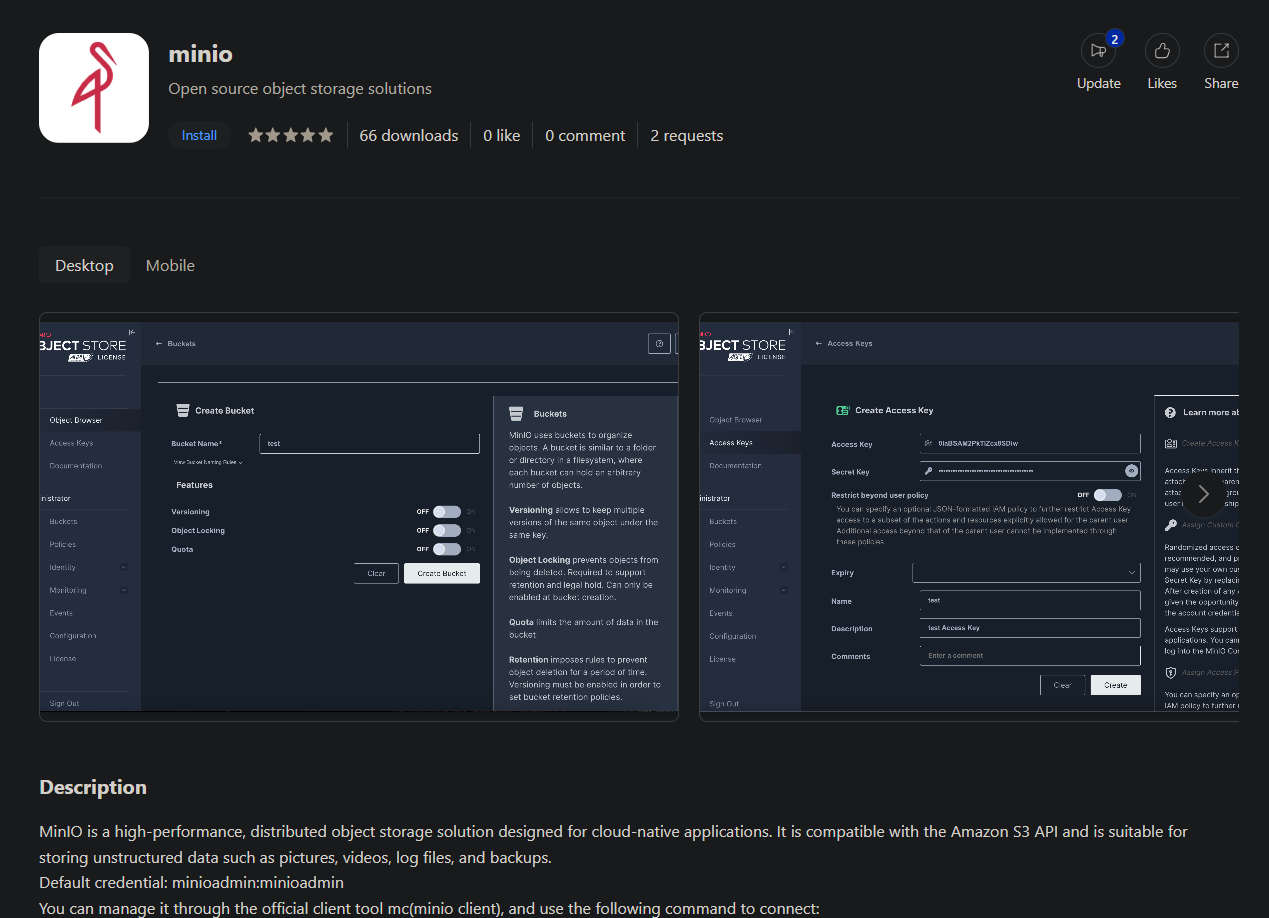
Object Storage Service: LCMD integrates the enterprise-grade object storage systems MinIO and RustFS, providing API interfaces compatible with AWS S3. MinIO supports enterprise-grade features such as distributed deployment, data redundancy, version control, and lifecycle management. Users can perform object storage operations through the S3 SDK or MinIO Client, suitable for scenarios such as image/video storage, data backup and archiving, and large file distribution. MinIO's high-performance architecture can fully utilize the I/O capabilities of local storage to provide low-latency data access.
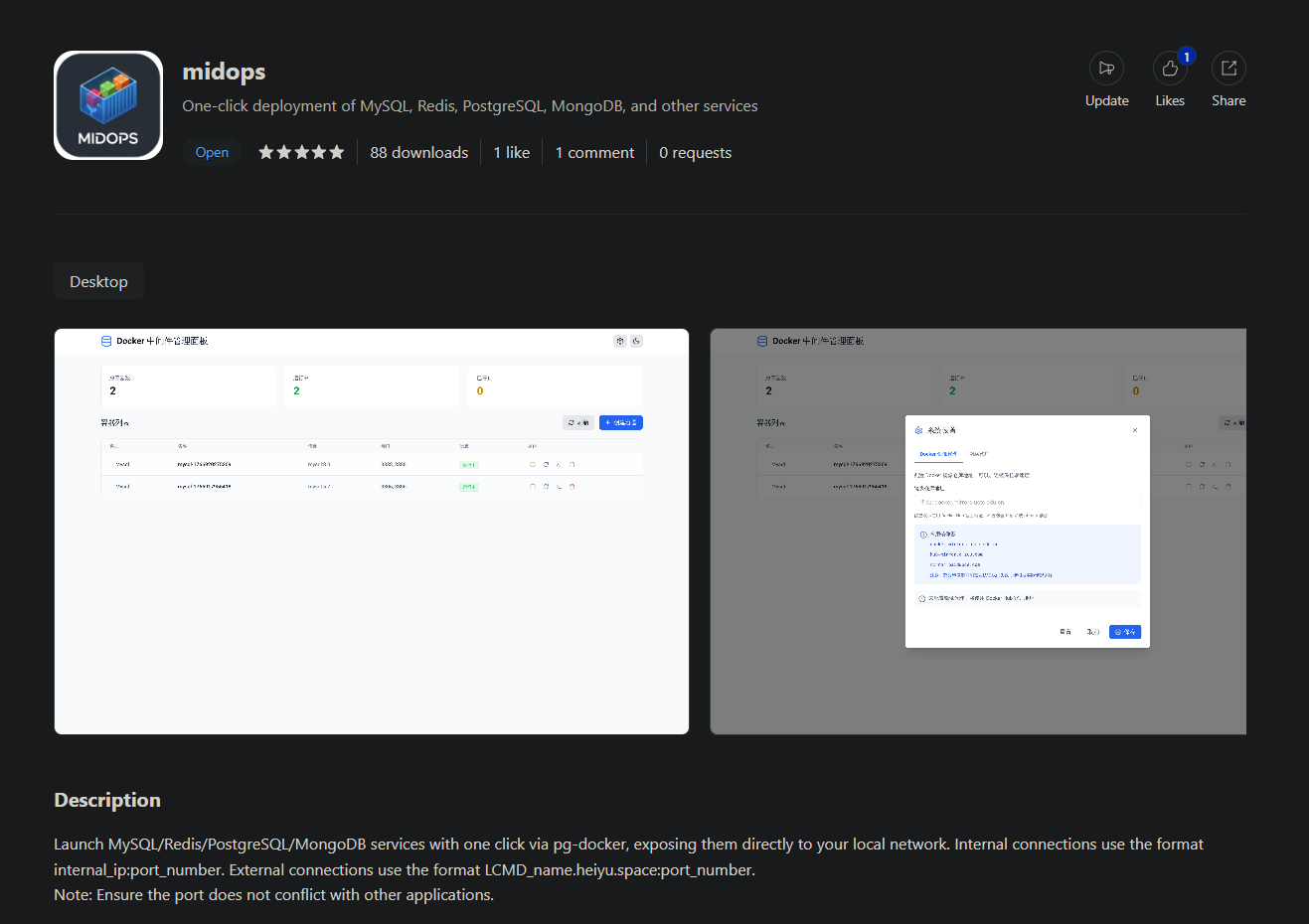
Database as a Service: LCMD offers a variety of managed database services, including relational databases (MySQL, PostgreSQL), NoSQL databases (MongoDB, Redis), and time-series databases (InfluxDB). These database services support one-click deployment, automatic backup, performance monitoring, and other features, eliminating the need for users to manually configure database parameters and optimization strategies.
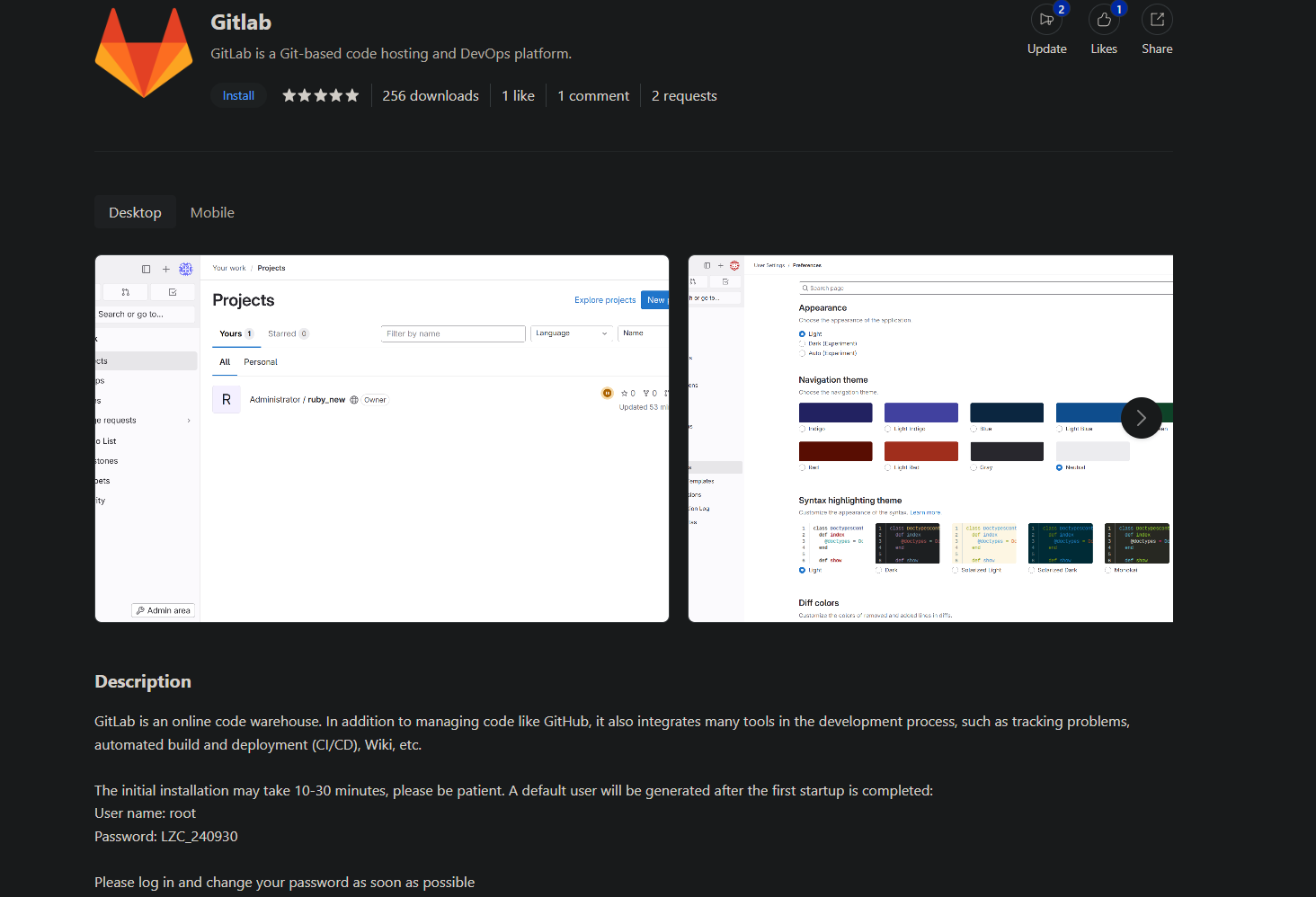
LCMD integrates a complete DevOps toolchain, including code repositories (GitLab, Gitea), CI/CD platforms (Jenkins, GitLab Runner), and artifact repositories (Nexus, Harbor). Development teams can build a complete software delivery pipeline on LCMD, achieving full automation of the code submission, automatic build, testing, and deployment process.
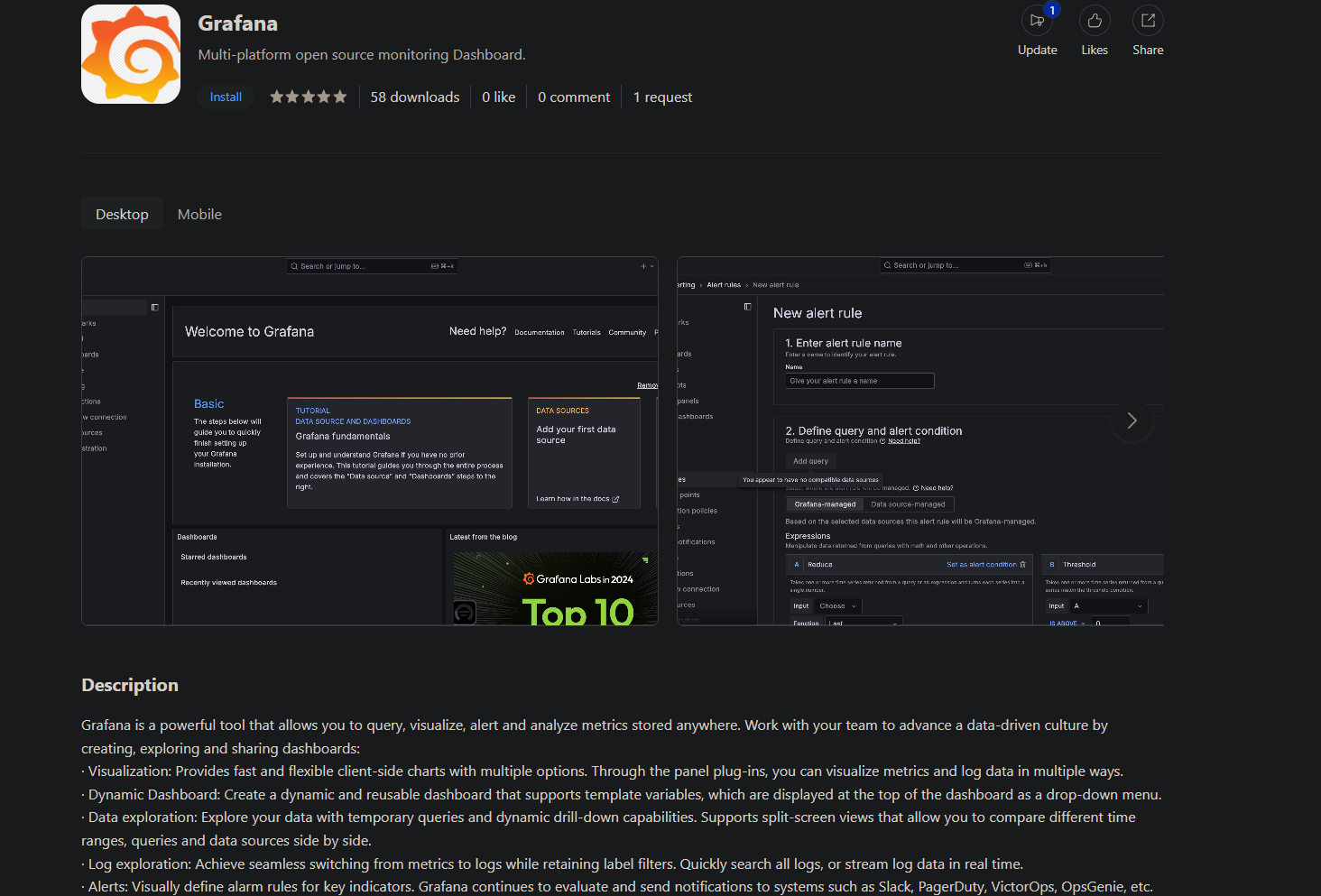
The monitoring and observability (Observability Stack) provides a Prometheus + Grafana monitoring solution and an ELK (Elasticsearch + Logstash + Kibana) log analysis stack. Users can monitor system resource usage, application performance metrics, and business data trends in real time according to their needs, and quickly locate and troubleshoot problems.
Application Scenario: Small technical teams (3-5 people) need to set up development infrastructure. Traditional solutions require engineers to spend several days purchasing servers, installing operating systems, configuring networks, and deploying various middleware. However, with LCMD, the technical lead only needs to install GitLab (code management), Jenkins (CI/CD), PostgreSQL (business database), Redis (caching), and Grafana (monitoring dashboard) sequentially from the application store, and configure a unified entry point on the navigation page. The entire process can be completed within 30 minutes. Team members can access all development tools through the navigation page, significantly improving collaboration efficiency and saving on server procurement and maintenance costs.
1.3 LCMD's SaaS Implementation: Application Software Ecosystem
SaaS Service Model
SaaS is the top layer of cloud computing, providing end users with ready-to-use application software. In the SaaS model, the service provider handles all aspects of software installation, configuration, updates, backups, and security. Users simply access the application through a browser or client and focus on using the software's functionality to achieve their business goals. SaaS applications typically employ a multi-tenancy architecture, supporting features such as on-demand subscriptions, flexible billing, and data isolation. Gmail, Microsoft 365, Salesforce, Slack, and Notion are typical SaaS products.
LCMD' Application Ecosystem
LCMD Services has built a rich application ecosystem at the SaaS layer, covering multiple sectors such as personal productivity, collaborative office work, smart home, security management, and entertainment.
Official Application Suite : LCMD provides a series of official core applications: The Cloud Drive (private cloud storage based on the WebDAV protocol, supporting cross-platform synchronization), Photos Management (integrated with AI image recognition, supporting face recognition, scene classification, and intelligent search), Todo List (task management and GTD workflow), and Smart TV (information aggregation display, supporting custom widgets). These applications cover the office and life needs for individual users, providing complete data sovereignty and privacy protection.
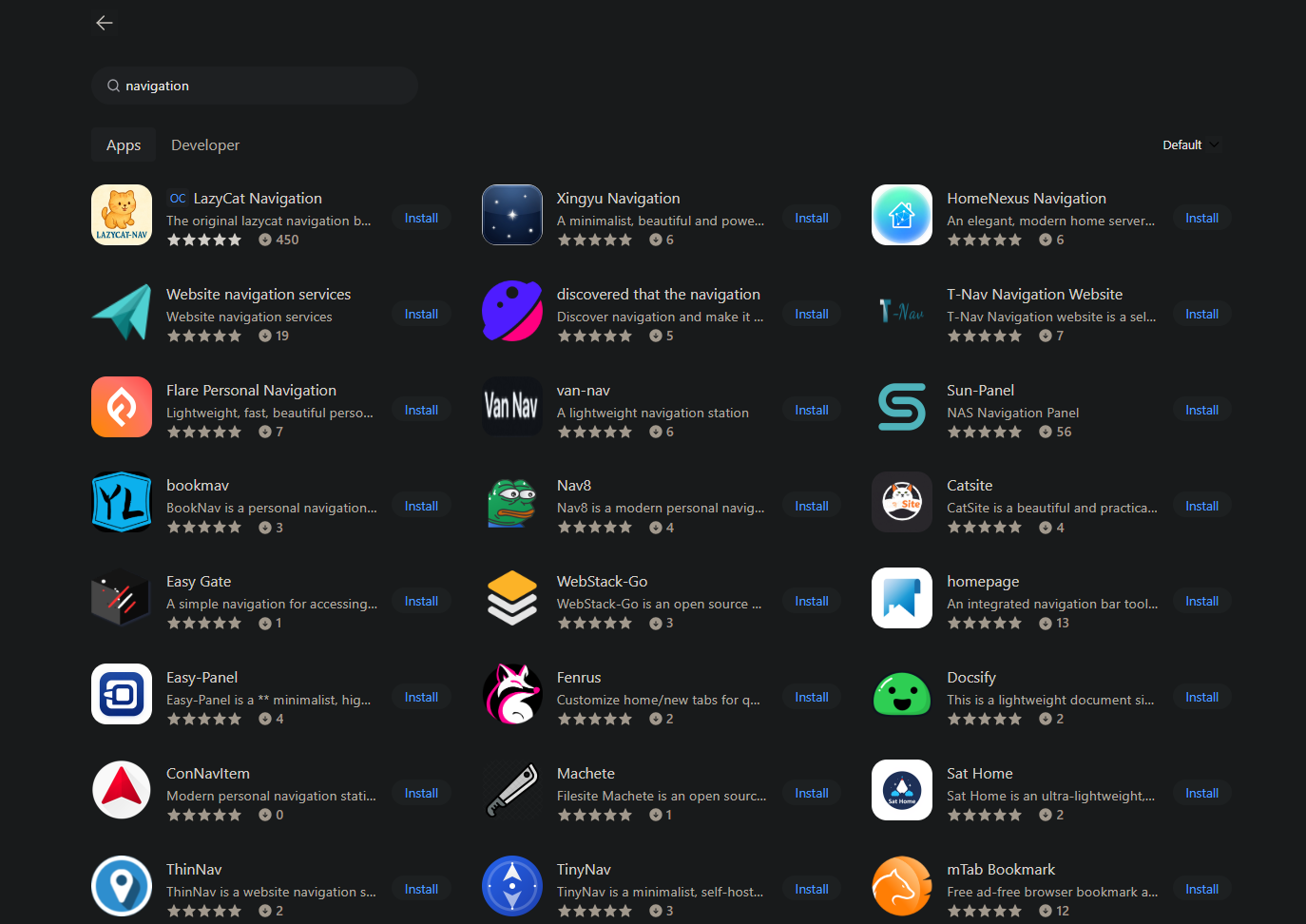
Navigation Page Application Ecosystem: At the SaaS layer, LCMD supports a variety of navigation page applications, which users can choose and configure according to their personal preferences. These applications require user installation and configuration, are used to manage personal bookmarks and quickly access the websites and services frequently used. They include LCMD Navigation (official navigation page), HomeNexus Navigation (modern service navigation panel), T-Nav Navigation Website (lightweight navigation tool), Van-nav (lightweight navigation site), Nav8 (modern personal navigation page), Sun-Panel (NAS navigation panel), BookNav (Flask-based bookmark navigation), Flare (personal navigation, fast and beautiful personal navigation page), Catsite (beautiful and practical personal navigation), Easy Gate (out-of-the-box navigation management), and homepage (highly customizable navigation page), and others. Each navigation page application has a different design style and features, allowing users to choose and customize according to their aesthetic preferences and usage habits.
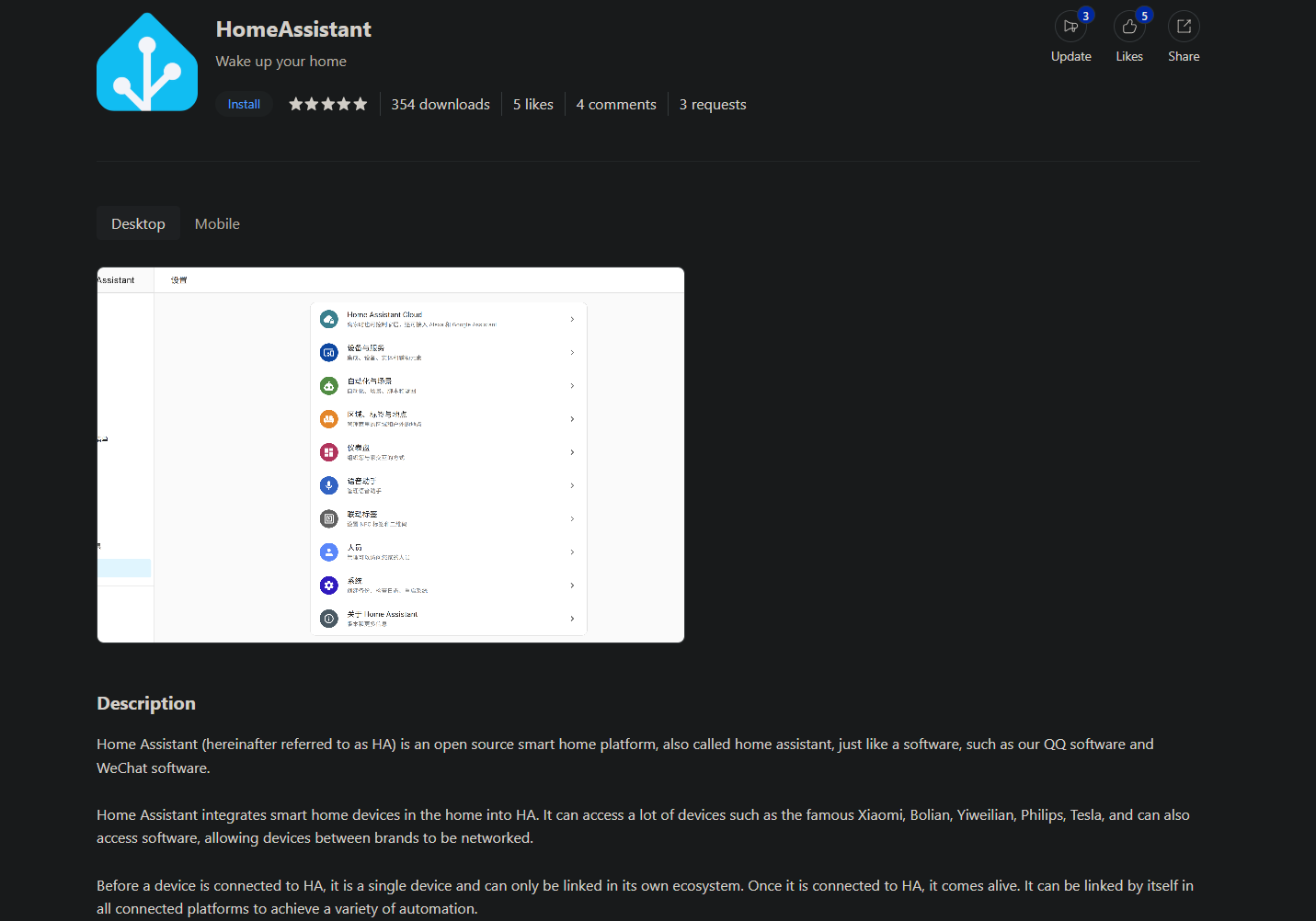
Smart Home and Automation: LCMD supports Home Assistant (an open-source smart home platform that supports thousands of smart devices and provides functions such as automated scene orchestration, device linkage, and voice control). Users can build a complete smart home hub on LCMD to achieve localized device control and data privacy protection without relying on cloud service providers.
The security and privacy tools integrate Bitwarden (an open-source password manager that supports end-to-end encryption, multi-device synchronization, password generation, security auditing, and other functions). Users can build their own password management service on LCMD, gaining complete control over sensitive credential data and avoiding the potential risks of third-party password management services.
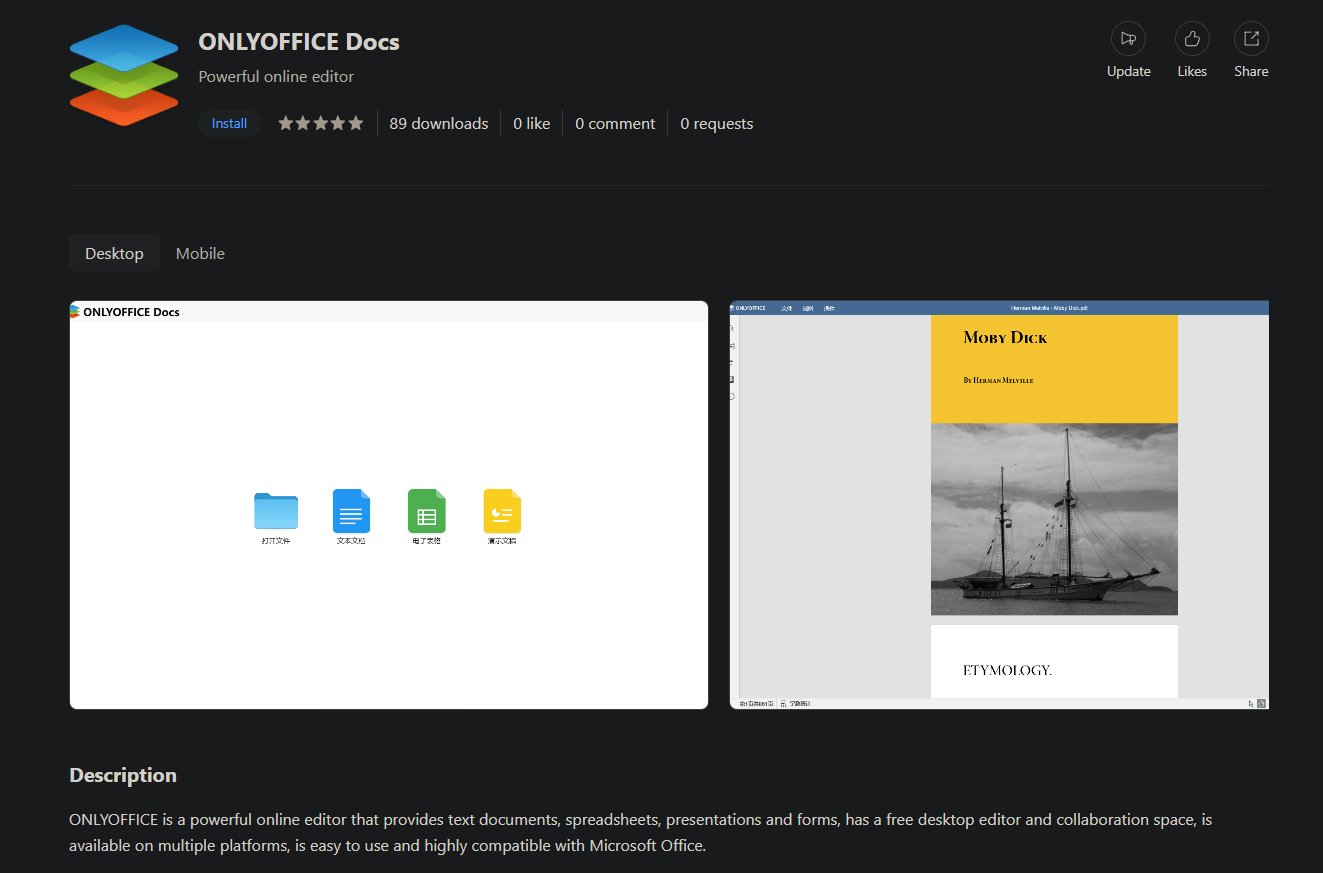
Community Developer Ecosystem: LCMD boasts an active developer community, with third-party developers contributing a large number of high-quality applications. These include a music player (supporting local music library management and streaming playback), a Rustdesk remote desktop server (an open-source TeamViewer alternative providing end-to-end encrypted remote access), a WeChat layout tool (a Markdown editor supporting WeChat Official Account format export), and an Office suite (an online document editor based on OnlyOffice or Collabora Online), greatly expanding the application scenarios of LCMD.
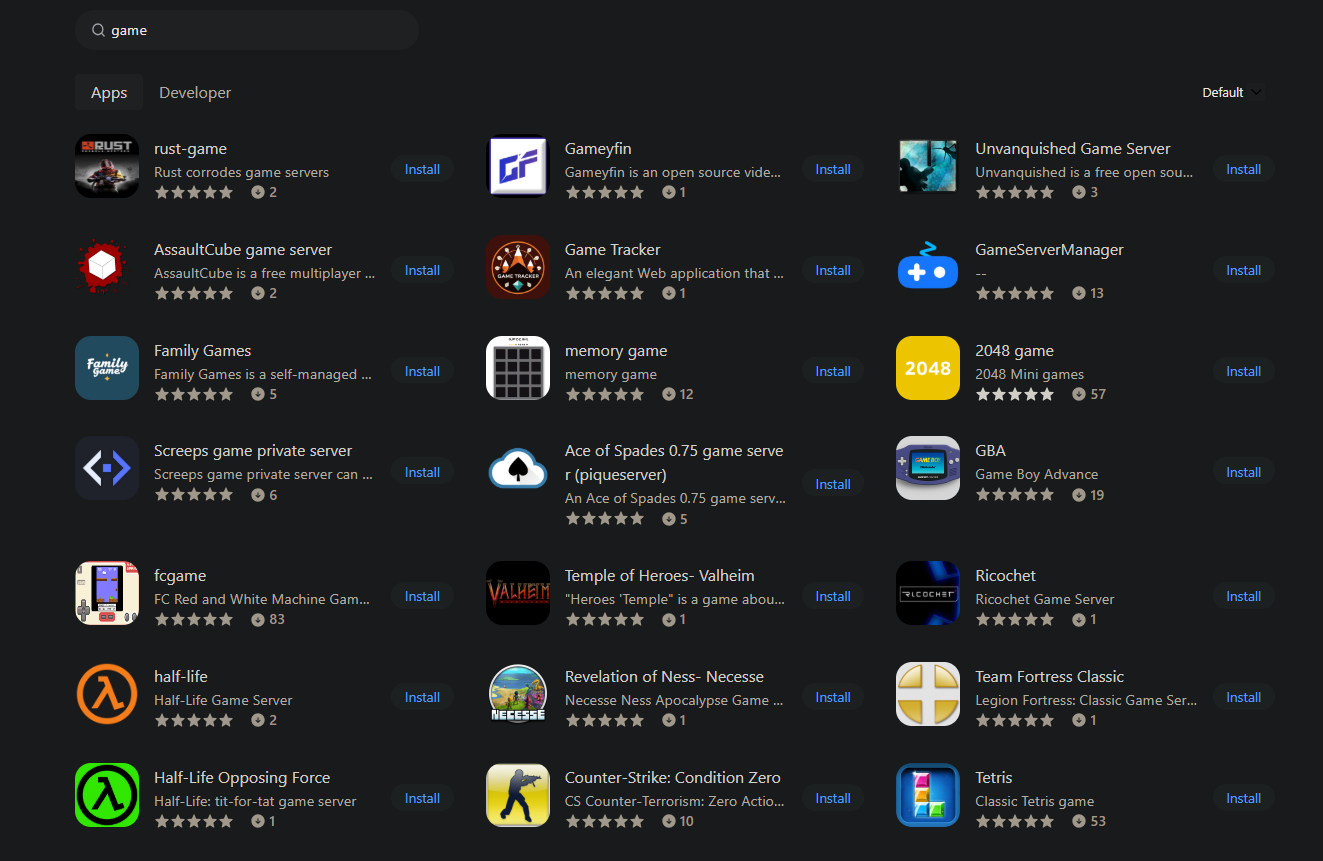
The gaming platform of LCMD supports deploying various game applications, covering web mini-games, PSP emulators and even ported AAA games. Users can build personal game libraries and enjoy games across multiple devices through streaming technology.
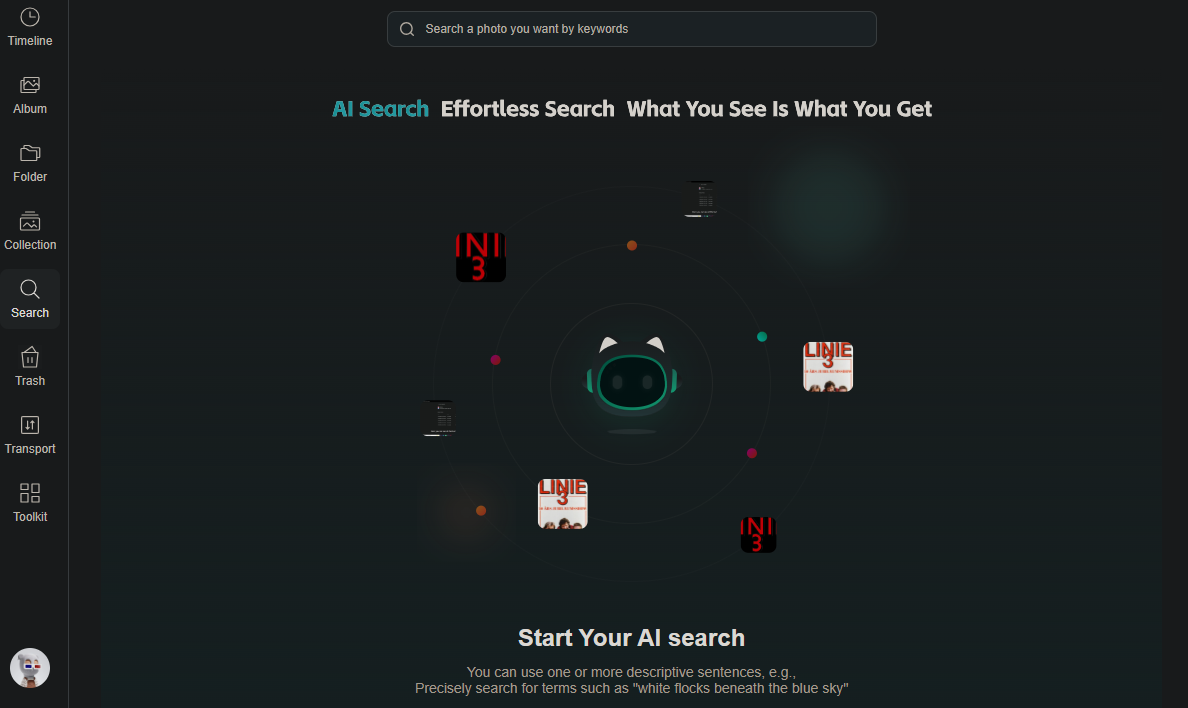
Application Scenarios: Photography enthusiasts with tens of thousands of photos (total exceeding 500GB) require a private and convenient management solution. Using public cloud storage services (such as iCloud and Google Photos) presents privacy risks and ongoing subscription costs. Deploying the Cloud Drive and its photo album app on LCMD enables automatic photo backup (via mobile app or WebDAV protocol), AI-powered intelligent categorization (facial recognition, scene tags), full-text search, and cross-device access. Data is stored entirely locally, eliminating privacy risks and requiring no monthly subscription fees. Family members can share albums through permission management, enabling centralized management and collaborative browsing of family photos.
2. Summary: Your Private Cloud Era
LCMD is more than just a NAS storage device, it's a complete cloud computing platform. It breaks the stereotype that cloud computing is only for large enterprises, allowing individual users, independent developers, and small teams to possess infrastructure capabilities comparable to cloud service providers.
From the underlying virtualization infrastructure (IaaS), to the middle-layer platform services (PaaS), and then to the upper-layer software applications (SaaS), LCMD provides users with a full-stack cloud computing solution. You don't need to pay high monthly cloud service fees, worry about data privacy leaks, or be limited by various restrictions imposed by cloud service providers. One LCMD is your private cloud data center.
Whether you want to build a personal blog, learn new technologies, develop applications, manage home data, or provide a development environment for a small team, LCMD can meet your needs. Cloud computing is no longer unattainable. It is now readily accessible right on your desktop.
This is LCMD' vision: to enable everyone to have their own cloud computing platform, and to truly empower life and work with technology.