
AI Pod Setup & Wi‑Fi Connectivity on Mobile Phone
(1) First power on the AI Pod to be bound. Then download AI Pod from the LCMD App store on LCMD mobile client.
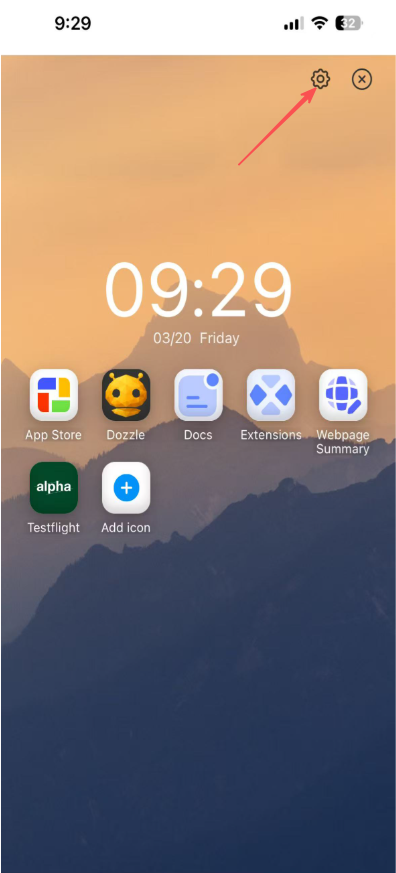
(2) Open AI Pod, click the ⚙ icon in the upper right corner to enter the settings interface.
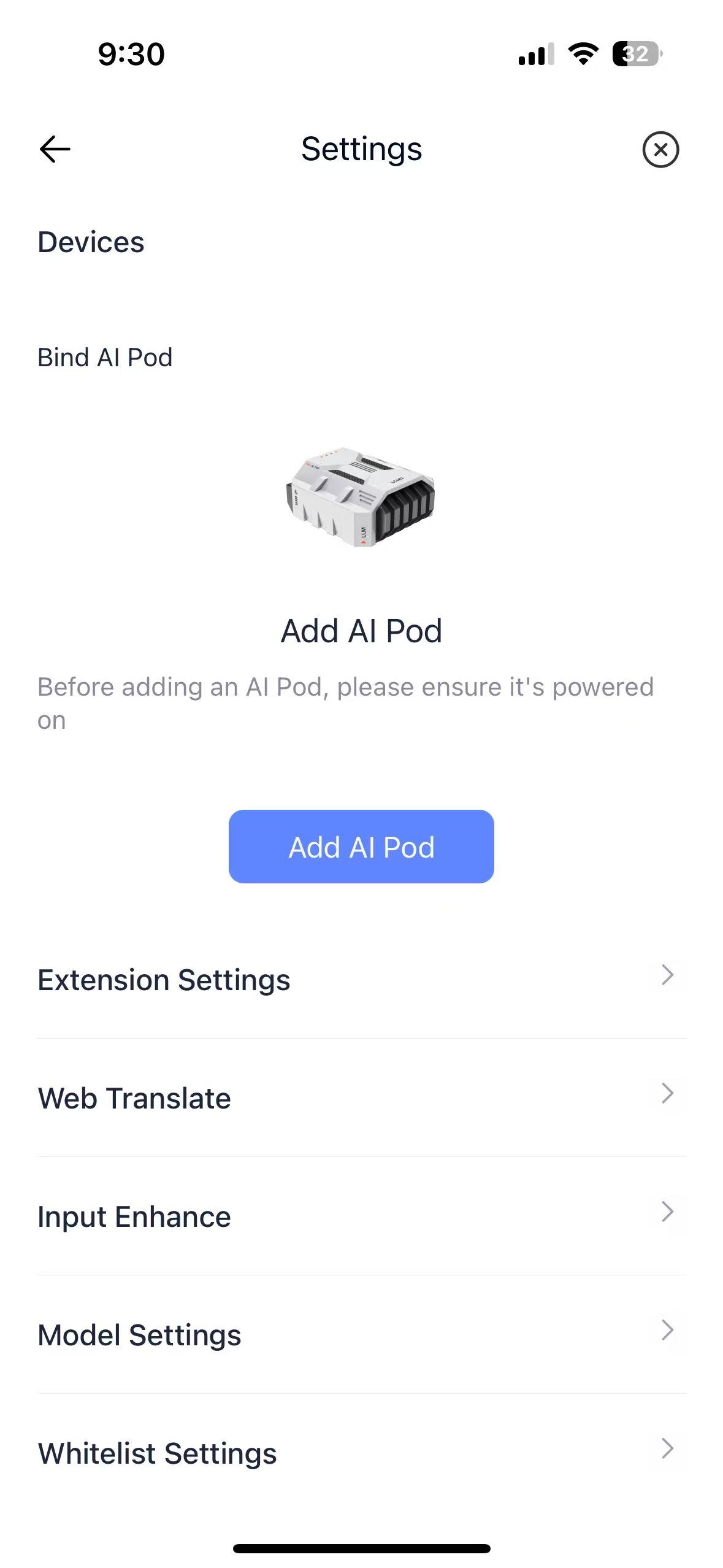
(3) Tap Add AI Pod to search the device around.
(4) Enter the search page, bring your phone close to the AI Pod you want to initialize and wait for the device to appear. Select the found device and click "Start Binding".
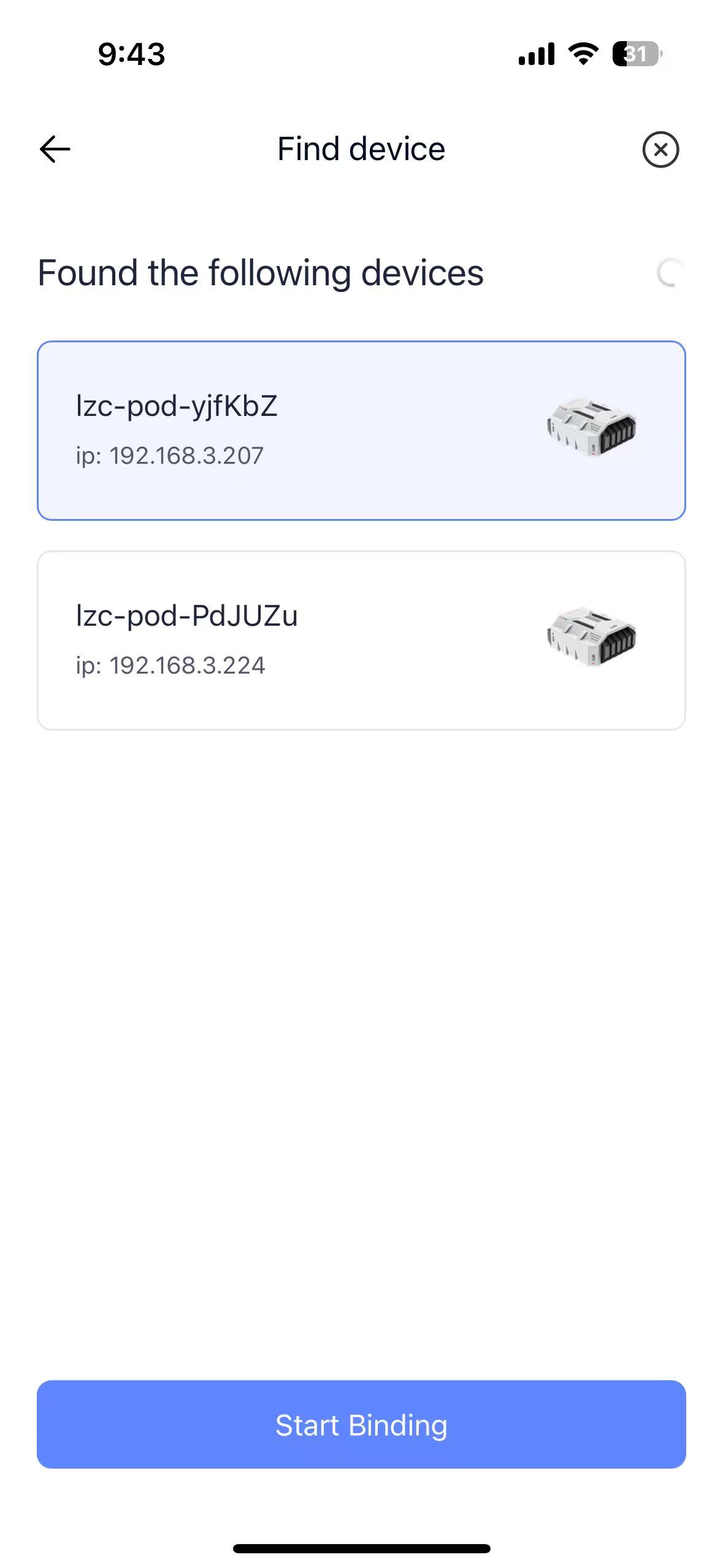
Devices without a network cable connected will only display their device names.
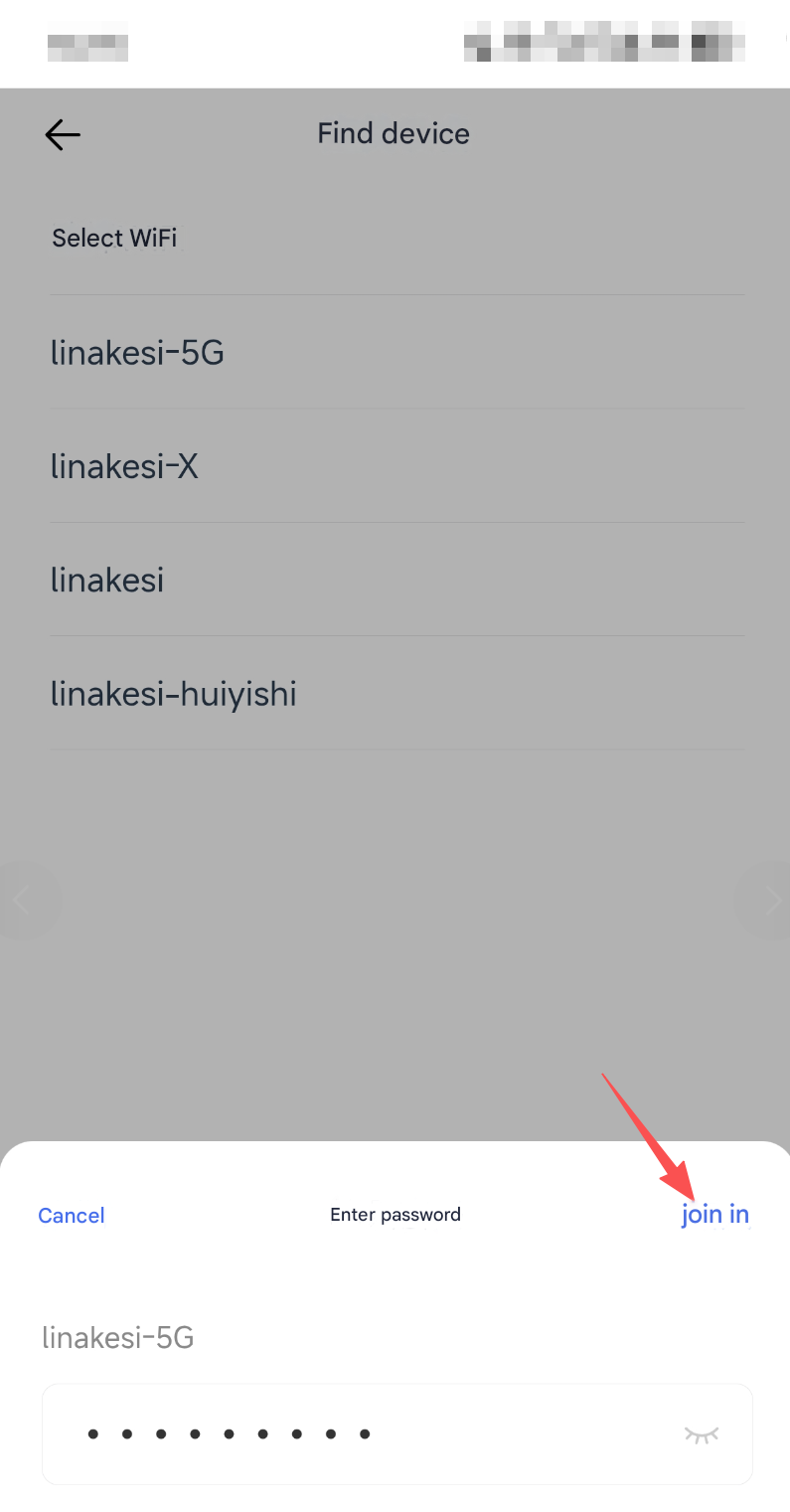
(5) Click on the WiFi network you want to connect to, enter the password, and click Join.
(6) Then press the pairing button on the back of the AI Pod to complete the binding.
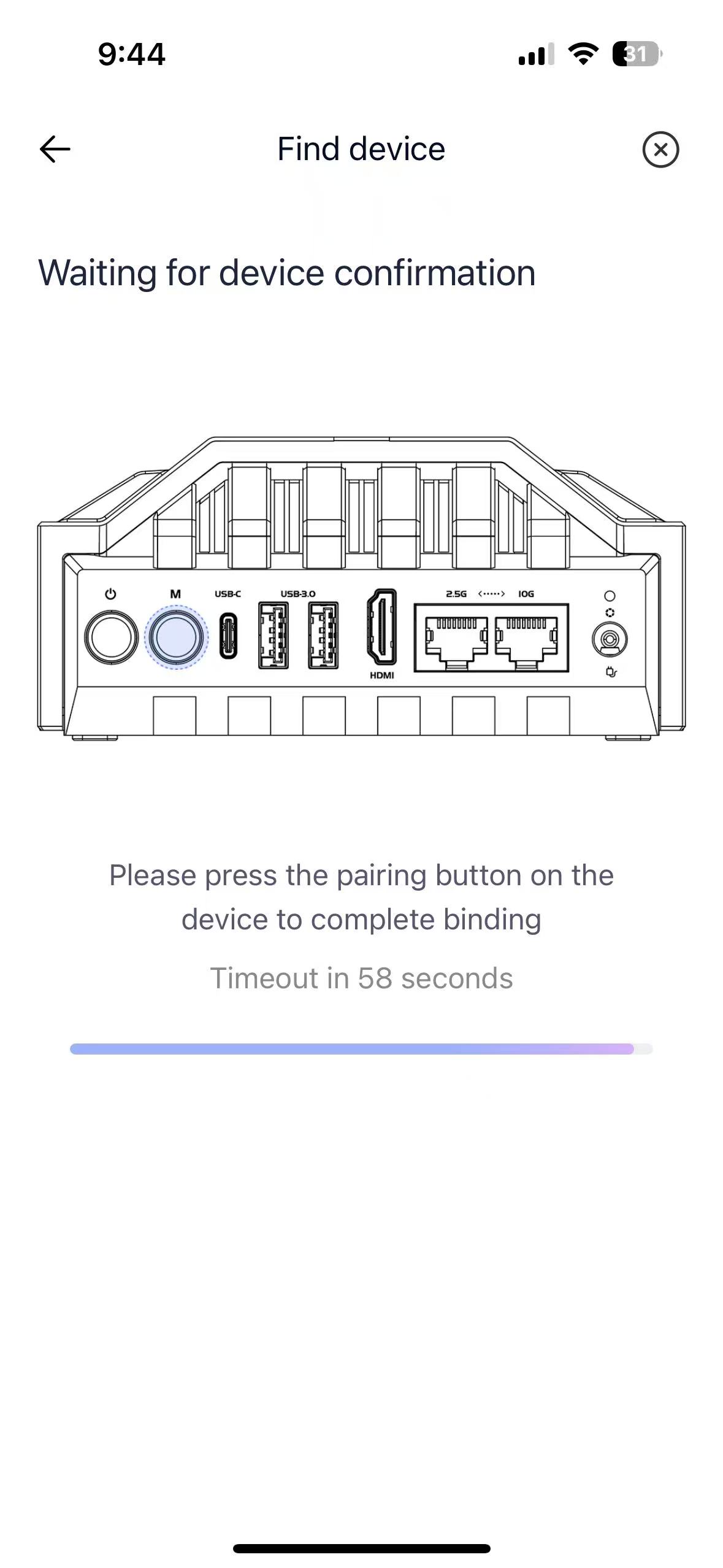
The binding is now complete.
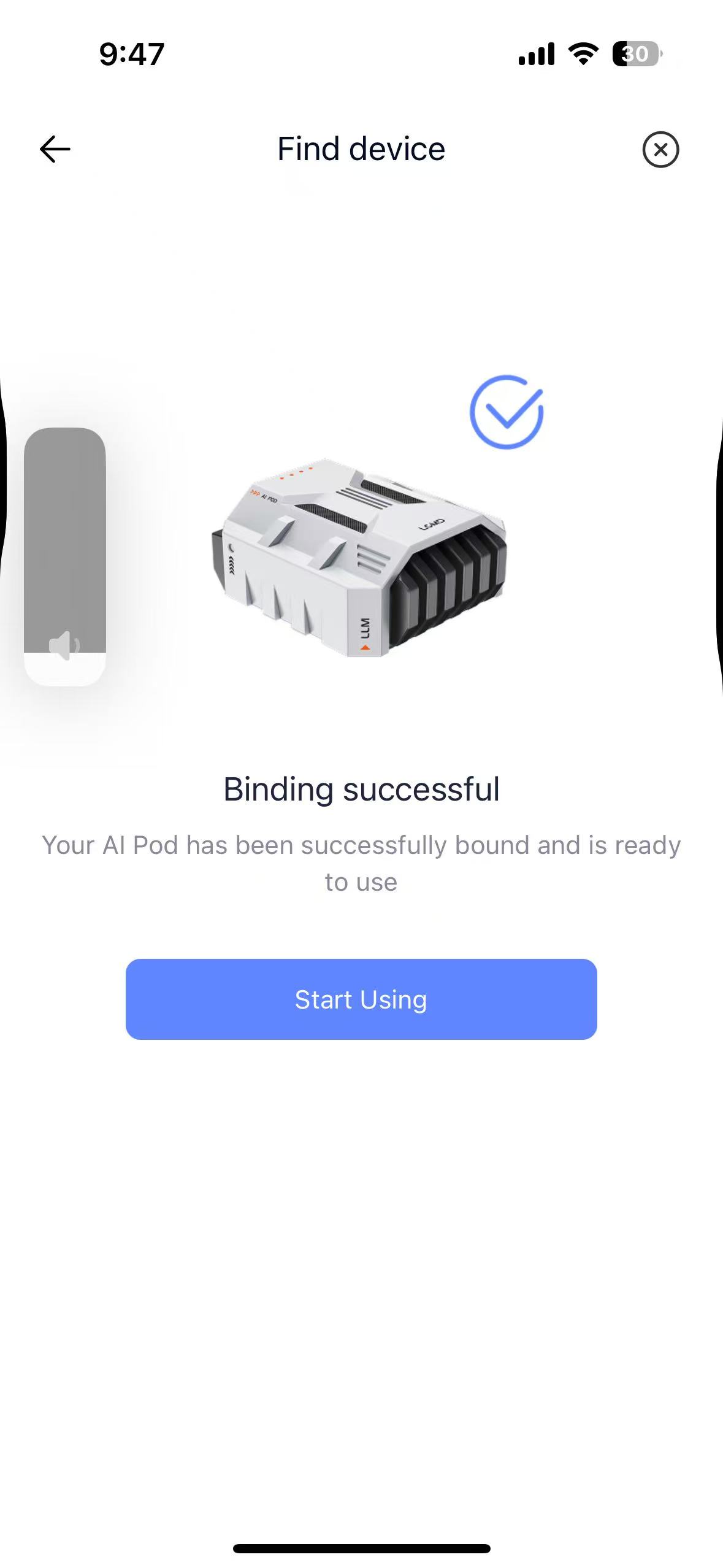
Note: for better network stability and speed, a wired network connection is recommended.